Get Booking QR Code Signs

- Home
- Get Booking QR Code Signs
Help clients book while their motivation is still clear and active.

Scan the display
Clients scan the QR code after a service, consultation, or visit.
Booking page opens
Your scheduling link opens instantly on their phone.
Appointment confirmed ✔
They secure their spot while motivation is still strong.
Filters
Filter By Categories
Filter By Brand
Filter By Action
Filter By Format
How Get Booking QR Code Signs simplify scheduling
What are Get Booking QR Code Signs?
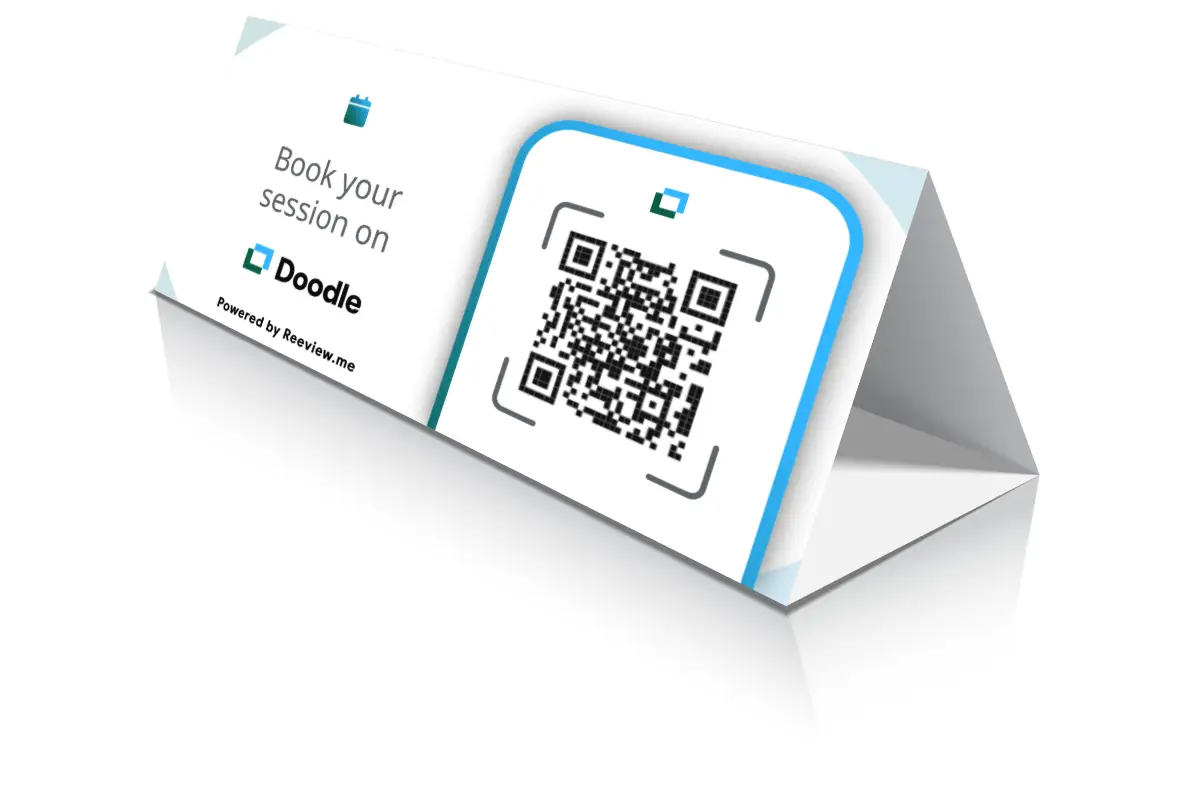
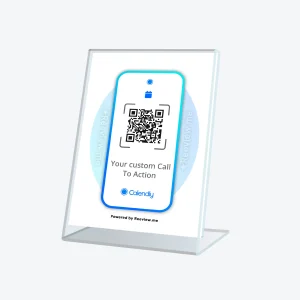
Get Booking QR Code Signs are printable templates designed to make scheduling easier for both you and your clients. Whether you're a consultant, wellness professional, teacher or technician, these displays let people book a spot the moment they're ready, using Calendly or Doodle.
How do they work?
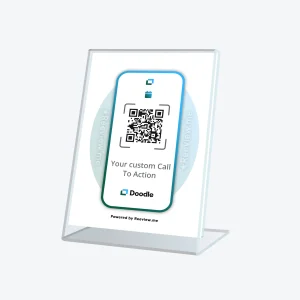
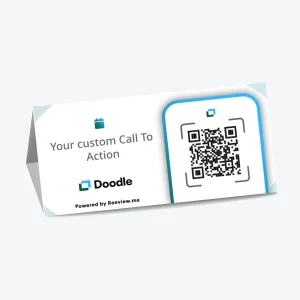
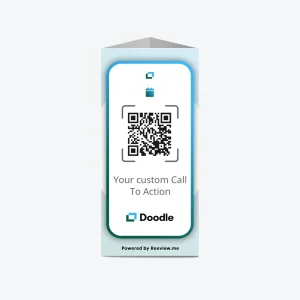
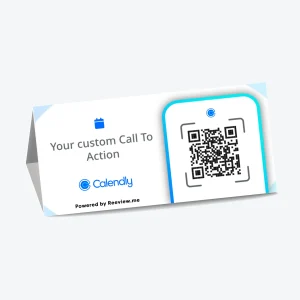
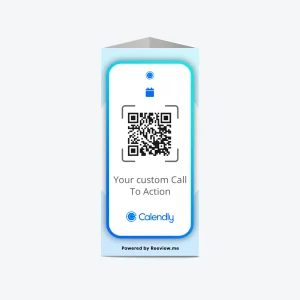
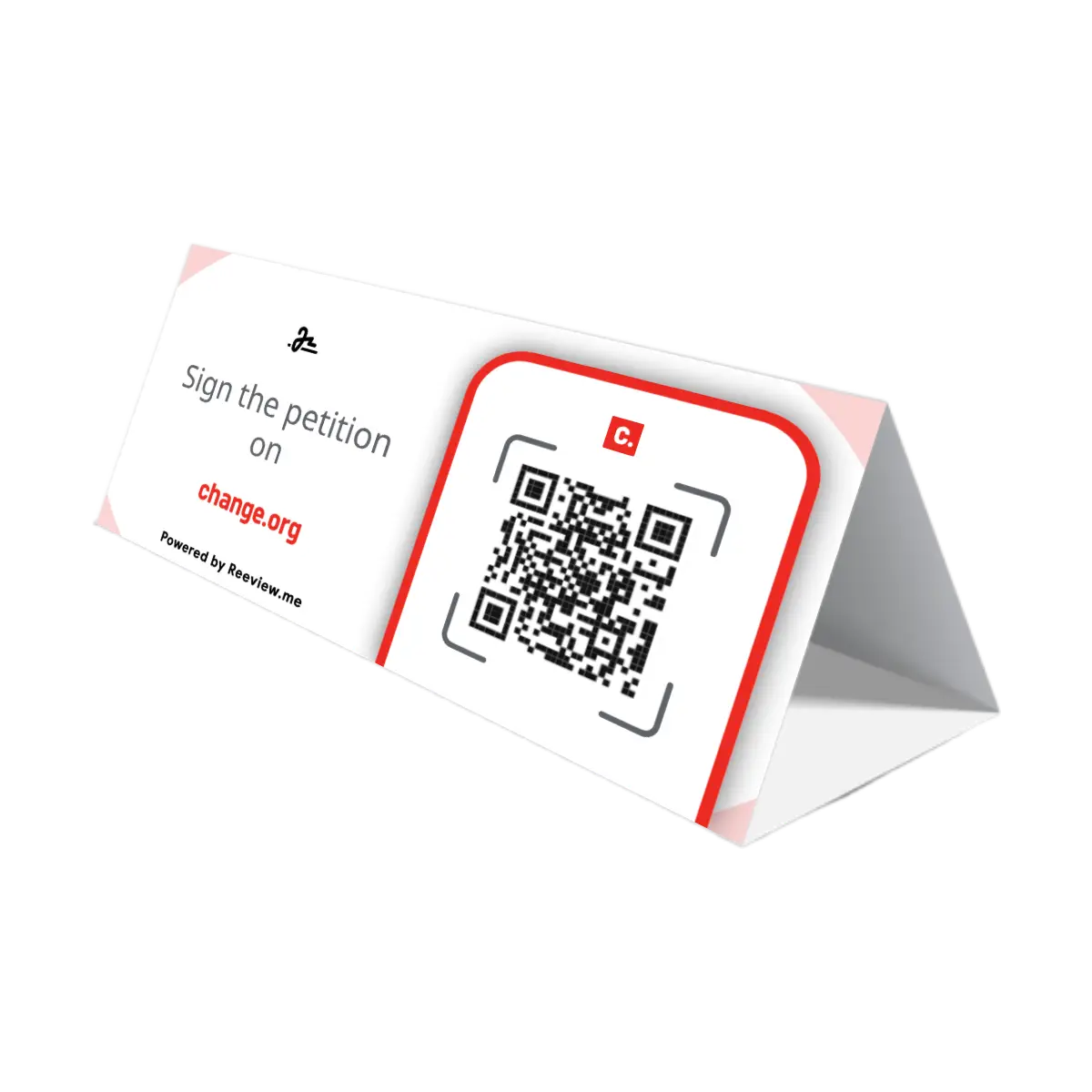
Placed at reception desks, studio entrances or service counters, each display connects clients directly to your calendar with a single scan. It includes your booking link, a short personalized message and the platform logo printed below, so everything feels clear and professional. Reeview.me generates the QR code inside the template, linked to your Calendly or Doodle calendar.
How to use them effectively
- Choose your preferred booking platform (e.g. Calendly, Doodle)
- Write a clear action (max 30 characters), like “Book your session on” - followed by the platform logo in the template
- Download the personalized display in PDF format
- Print in full color at 100% scale for accurate proportions and placement
- Position it where booking happens - reception, entrance, booths, waiting area
If you choose the Table Tent or Table Stand format, an extra file is included with folding guides. Just follow the dotted lines - no cutting needed - and the display will stand securely.
Who should use them?
- Therapists, coaches, personal trainers who work by appointment
- Restaurants, barbers, wellness studios that want to automate reservations
- Professionals and freelancers who offer 1:1 sessions or workshops
- Medical offices or clinics that want to reduce admin and fill their calendar
Why they work
- Instant access: clients scan and book in real time
- Works directly in the browser, no app required
- Fully customizable: your message, your language, your link
- Available in multiple printable formats
- One-time file, unlimited prints
- Fewer no-shows, because booking happens while interest is highest
Frequently Asked Questions
Motivation drops fast once someone leaves. A visible QR code lets clients confirm the next appointment on the spot, while the value of the service is still fresh in their mind. Asking them to remember to book later, by email or a follow-up call, gives that motivation time to fade before it turns into an actual booking.
Write a short, direct sentence (max 30 characters) that fits with the logo printed below. For example: if the logo is Calendly, your message could be “Book your session on” - followed visually by the Calendly logo already included in the template. Make sure the sentence works naturally with the platform name that will appear right underneath.
Print in full color using a 100% scale setting (actual size). This ensures the display layout and any fold lines are correctly positioned. Use a home printer or ask your local print shop to help you get the best result.
Yes. A second file is included to be printed on the back of the main template, with fold-only dotted guides. Just follow them – no cutting required.
Each template supports one booking link. If you use multiple platforms (e.g. Calendly and Doodle), it’s best to create one display for each.
Absolutely. Your download includes a license for unlimited prints.