
Google Review Calculator
Enter your current rating and total review count to estimate your review goal and timeline.
This calculator uses your public rounded Google rating, so results are close estimates, not guaranteed numbers.
How the Google Review Calculator Works
Google displays ratings in one-decimal steps. The exact raw average behind your visible score is not public.
This calculator estimates how many new 5-star reviews your business may need to cross the next visible rating threshold. Enter your current rating and total review count.
The calculator compares your position with the next visible step and translates that gap into a practical review goal. The result is an estimate, not a prediction. Use it for planning.
Google Review Calculator Formula
Here is the formula the calculator uses to estimate your review goal.

Where:
- n = new 5-star reviews needed
- T = target threshold used for the visible rating step
- R = rating scenario used for the calculation
- k = your current total review count
- ⌈⋅⌉ = ceiling function (always rounds up)
The calculator runs two scenarios: an optimistic one, using your visible rating as the starting point, and a conservative one, using the lower edge of Google's rounding window.
For high-volume profiles, the conservative estimate is capped to keep the range realistic.
The main result is the practical midpoint between those two scenarios.
Why the Result Is a Range, Not an Exact Number
Google does not publish raw rating averages. The visible score is already rounded, so two businesses both showing 4.1 may have slightly different hidden averages behind that number.
The lower end of the range assumes your hidden average is close to the top of the rounding window. The higher end assumes it sits closer to the bottom. The estimate falls between those two points.
This is not a flaw in the calculator. It reflects how Google actually works.
Why Chasing 5.0 Is Often the Wrong Goal
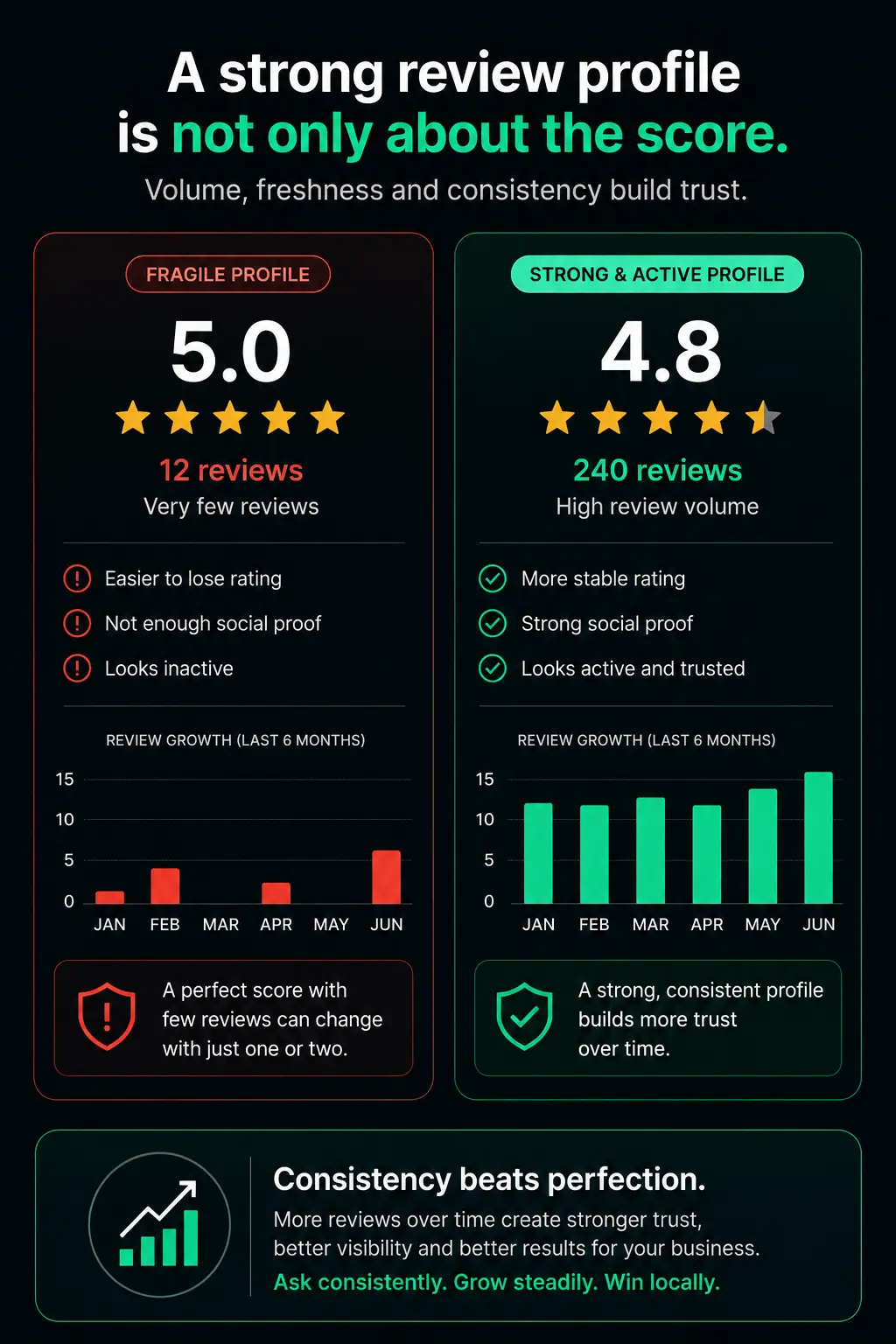
A perfect 5.0 can raise eyebrows, not just ratings. Customers increasingly read a flawless score as a signal that something has been filtered or managed, especially when paired with very few reviews.
A 4.8 or 4.9 with consistent recent activity tends to read as more credible than a perfect score with ten reviews from three years ago. Volume, freshness and consistency are what signal a business people can trust today.
Aim for the next visible step. Let the rating follow from the reviews, not the other way around.
Is It Allowed to Ask Customers for Google Reviews?
Yes. Google explains that businesses can share a review request link or QR code to encourage customers to leave reviews. The request should be fair, non-incentivized and based on real customer experiences.
What is not allowed: fake engagement, incentives, selectively asking only satisfied customers, or any review request flow that manipulates who gets asked. Google's Maps policies require contributions to reflect a genuine experience.
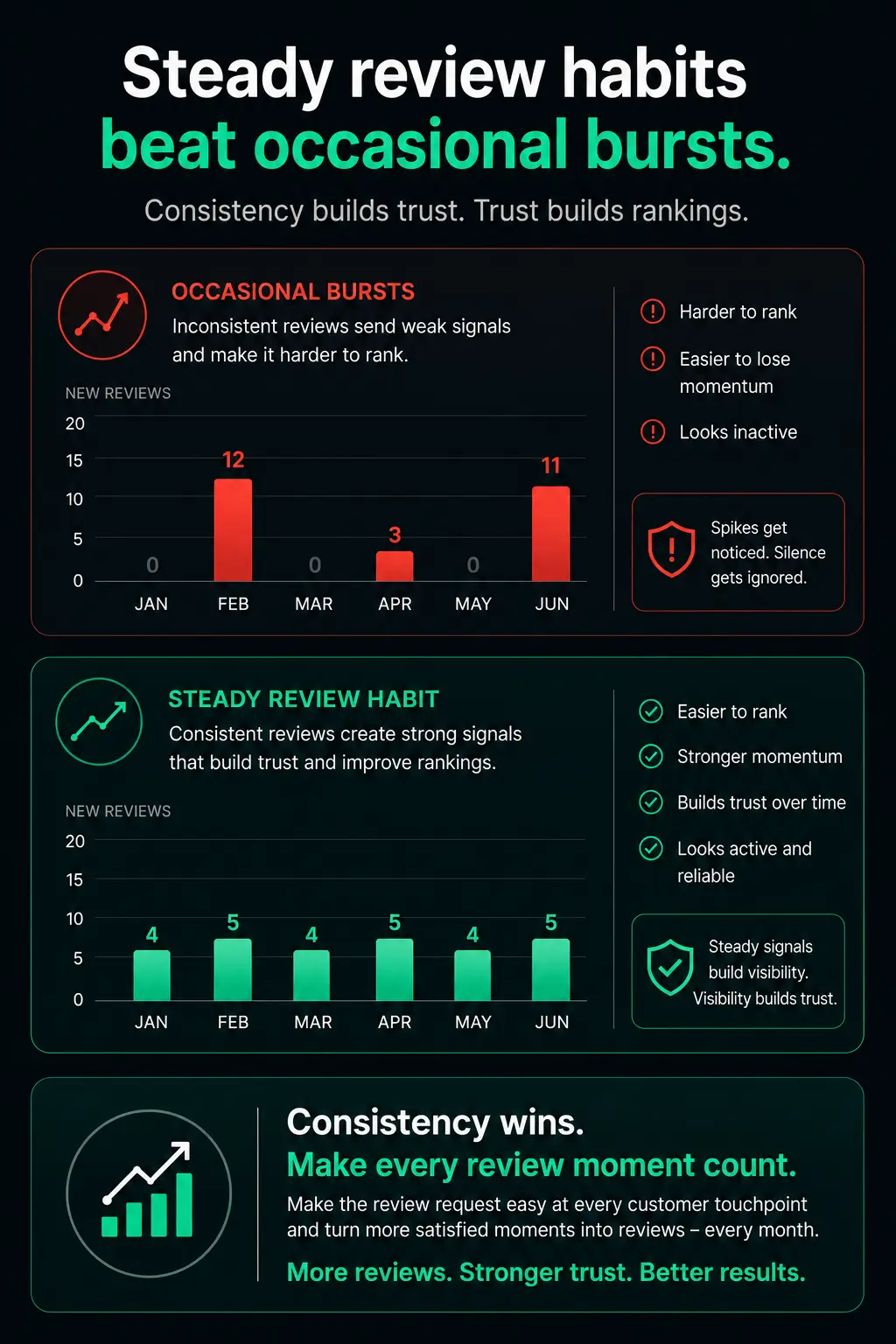
The right approach is a fair, visible request at the right moment, while the experience is still fresh.
From review Goal to review Action 🎯
Review Goal
Find your target rating and see the reviews you need to reach it.
Visible Prompt
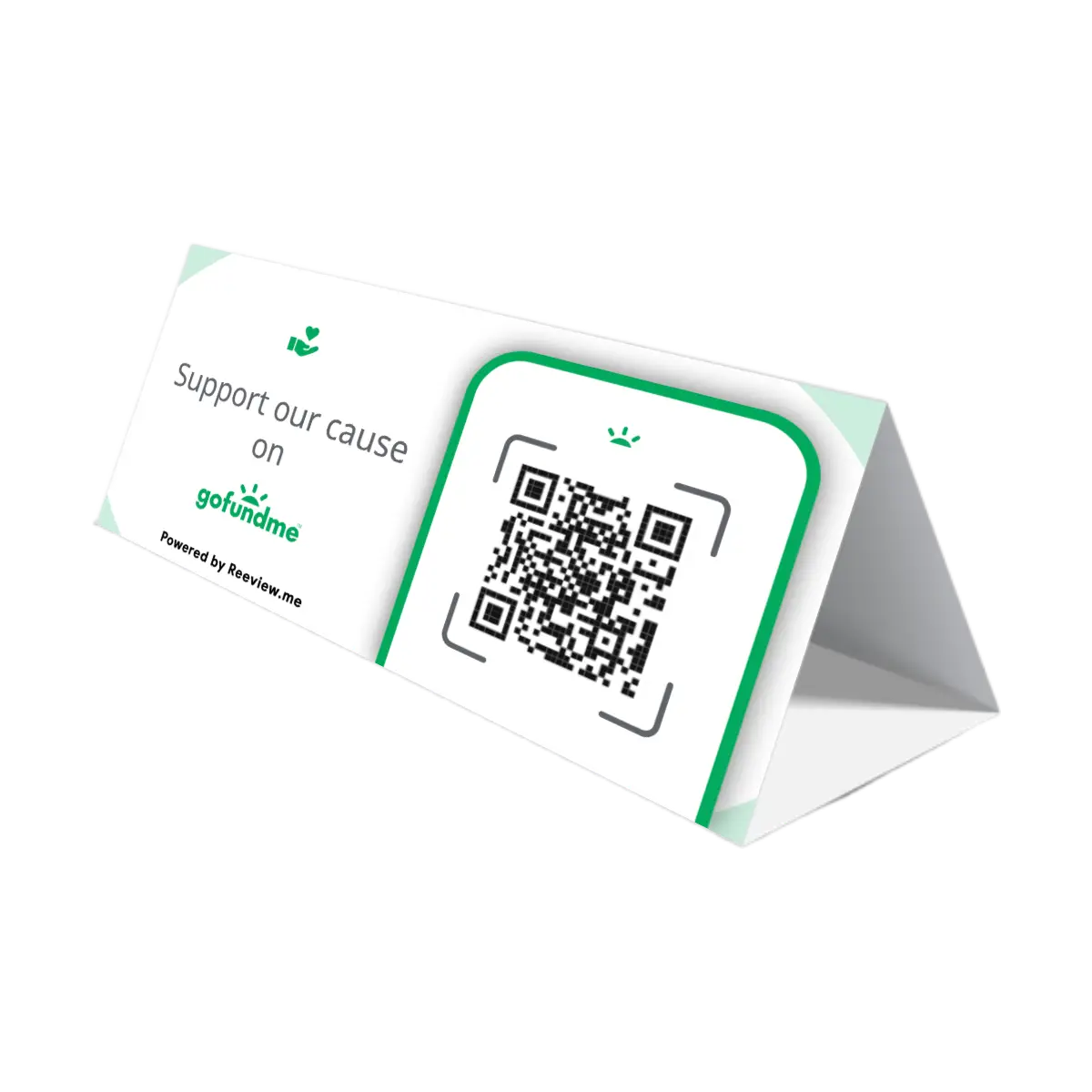
A physical QR display makes the review request clear and easy to act on.
Scan & Review
They scan the QR code and land directly on Google to leave a review.
Google Review
A new review is published, building trust and moving visible rating forward.
Choose your Google Review QR display
























Frequently Asked Questions

It depends on your current rating, total number of reviews and target rating. The more reviews you already have, the more new 5-star reviews you usually need to move your visible rating.
Google calculates its star rating as the arithmetic average of all individual customer ratings submitted for a business. The result is then rounded and displayed to one decimal place.
Because the raw average is not public, two businesses showing the same visible rating may have slightly different hidden averages behind it. This is why gaining a new 5-star review does not always change the displayed score immediately, and why any review goal estimate is a range, not an exact number.
Google ratings are calculated as the average of all individual customer ratings. The visible score is shown rounded to one decimal place, so a new 5-star review may not immediately change the displayed rating, especially when a business already has many reviews.
Google shows public ratings in one-decimal steps, so the exact raw average behind the visible score is not available. The calculator compares a more optimistic scenario with a more conservative one, then shows a practical estimate to account for that uncertainty.
Yes, businesses can invite customers to leave honest reviews. The request should be fair, non-incentivized and based on real experiences. Reeview.me is built around transparent, ethical review requests. You can read our full ethical principles.
The most practical approach is to ask consistently after real positive experiences and make the review request visible and easy to act on while the moment is still fresh.
A perfect 5.0 rating can look good, but a strong review profile also depends on volume, freshness and consistency. A 4.8 or 4.9 with many recent reviews can often feel more credible than a perfect score with very few reviews.